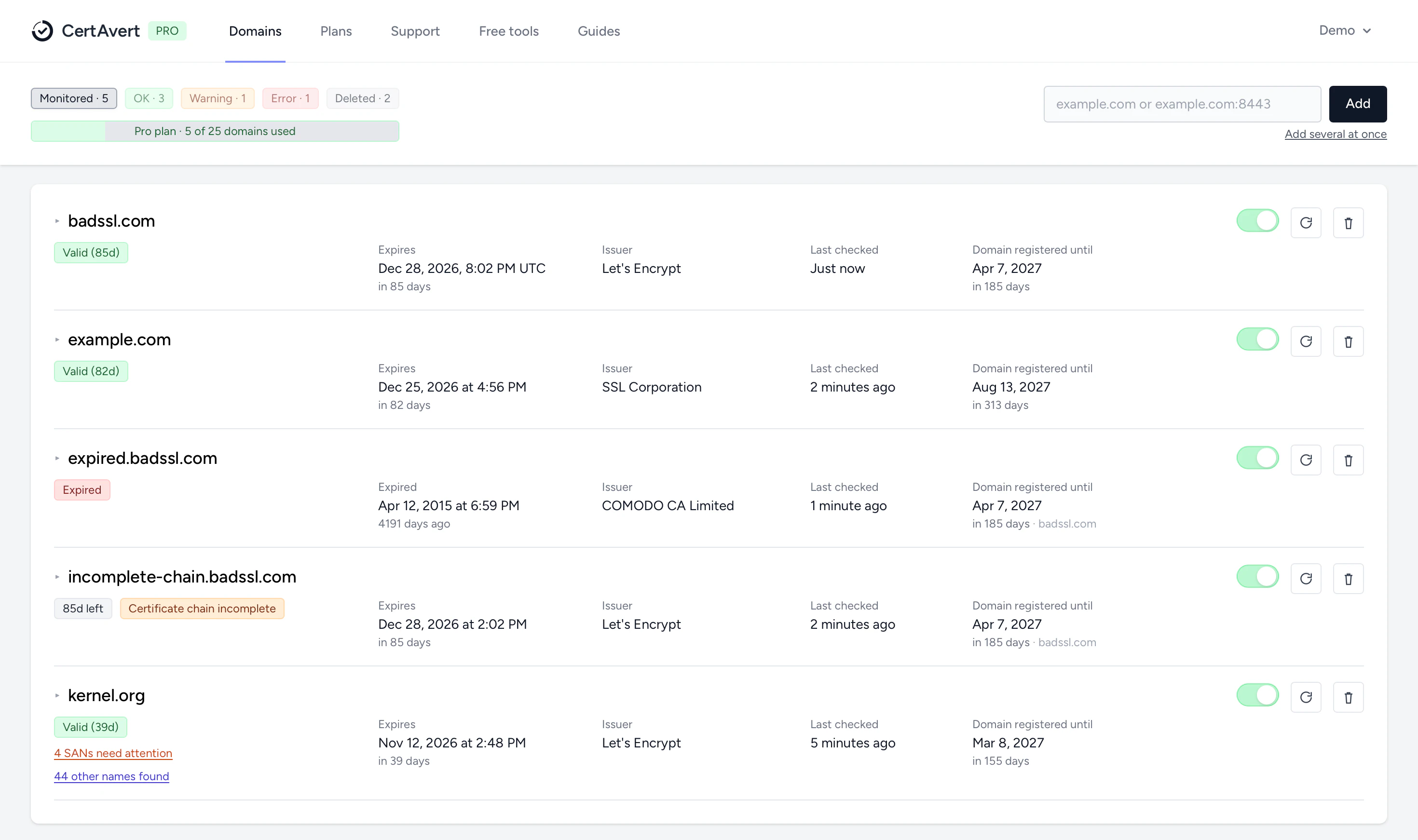
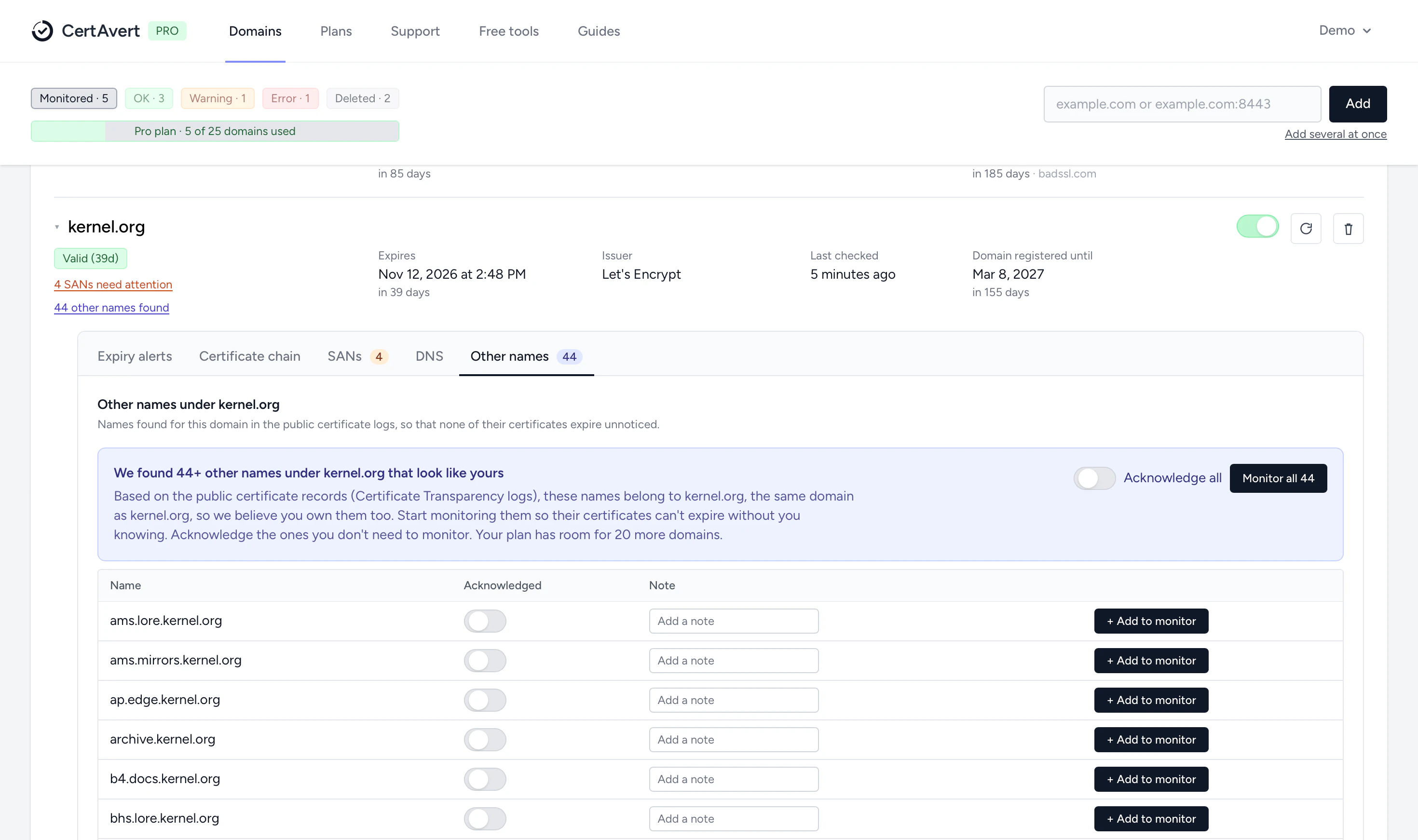
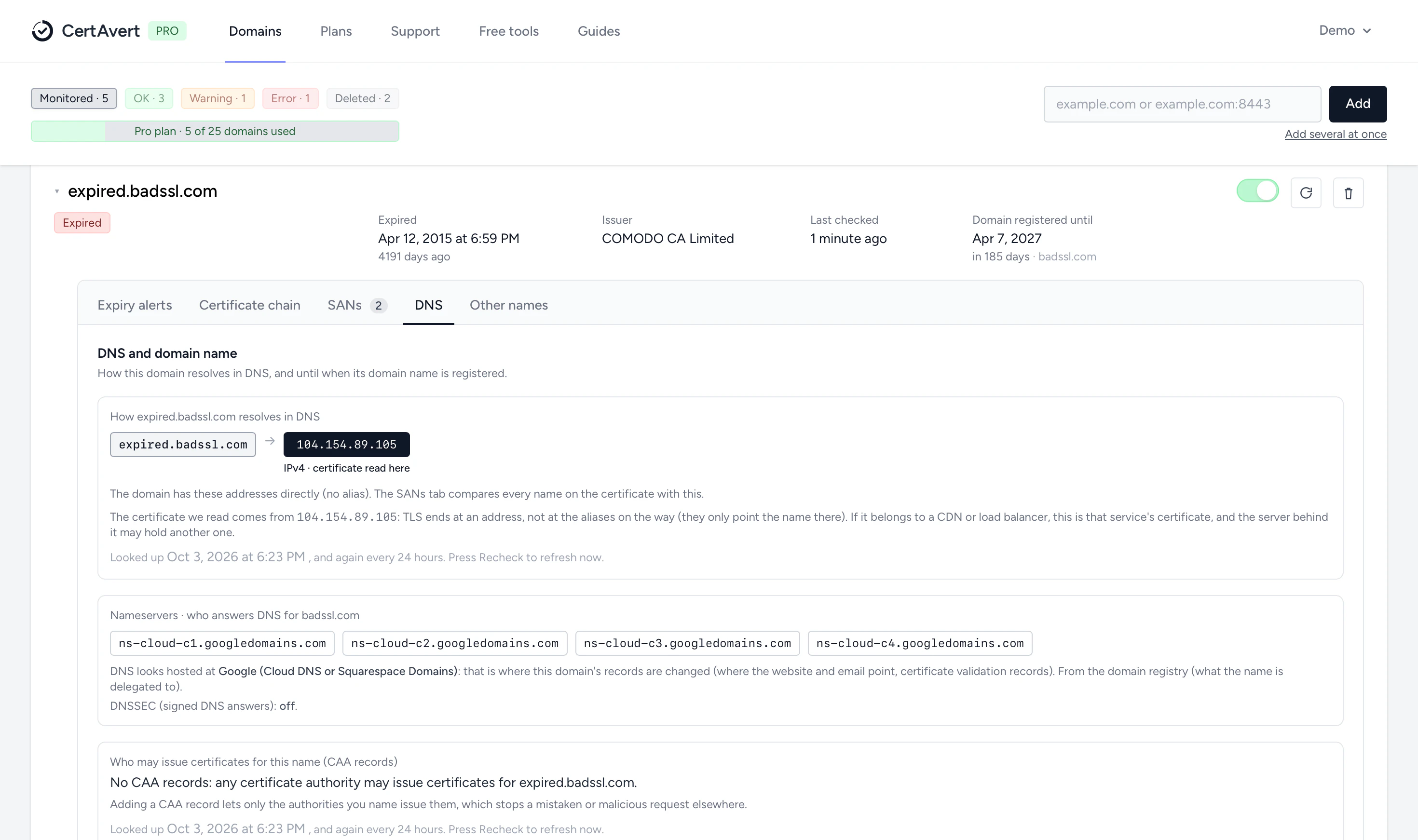
Each domain shows its status (OK, expiring, warning or error), when the certificate expires, who issued it, when it was last checked and when the domain name itself must be renewed.
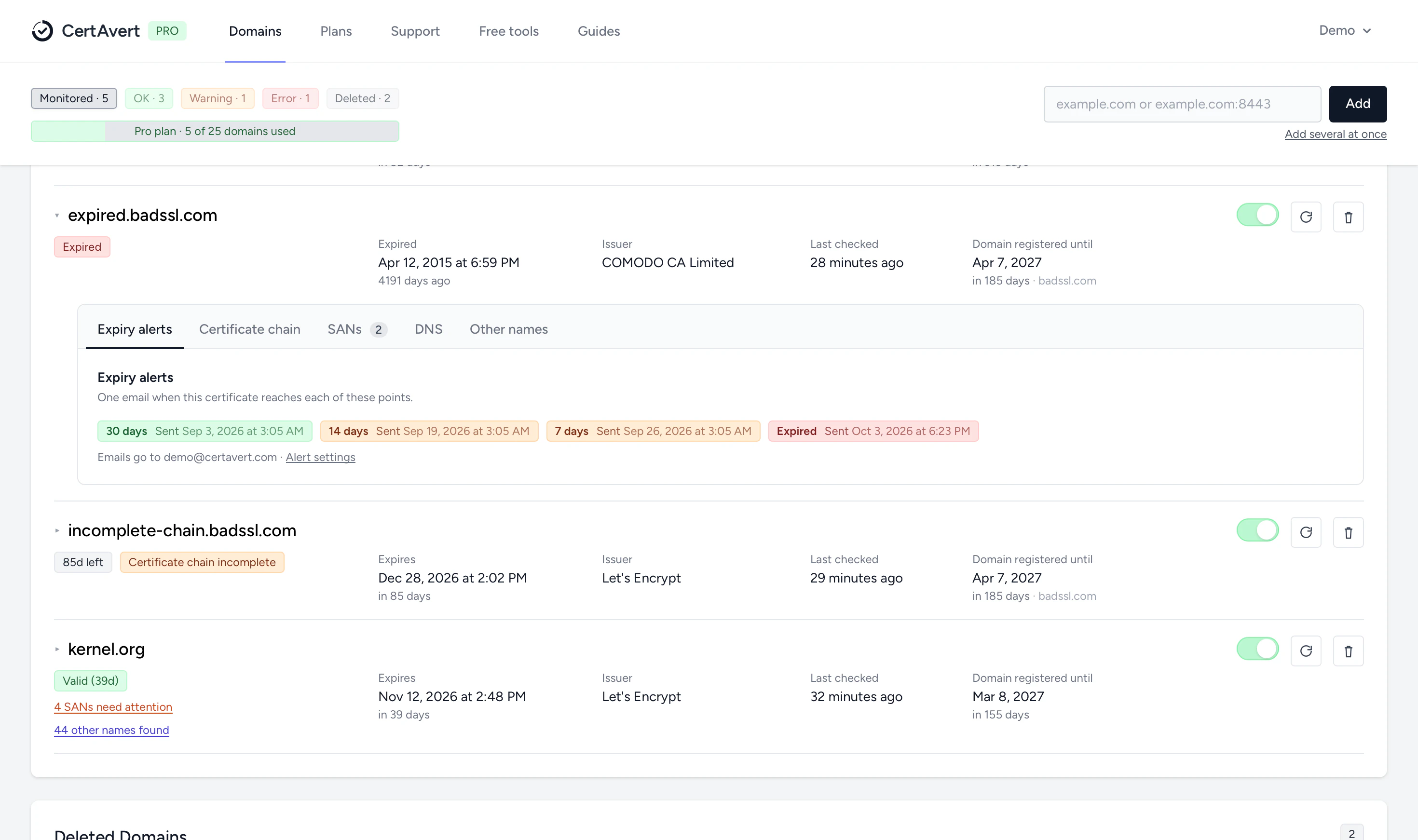
Open a domain to see its expiry emails and which ones went out. Every plan gets the 30-day email and the one when it expires; Starter and Pro add 14 and 7 days, or up to three days of your choice, and can send to several addresses.
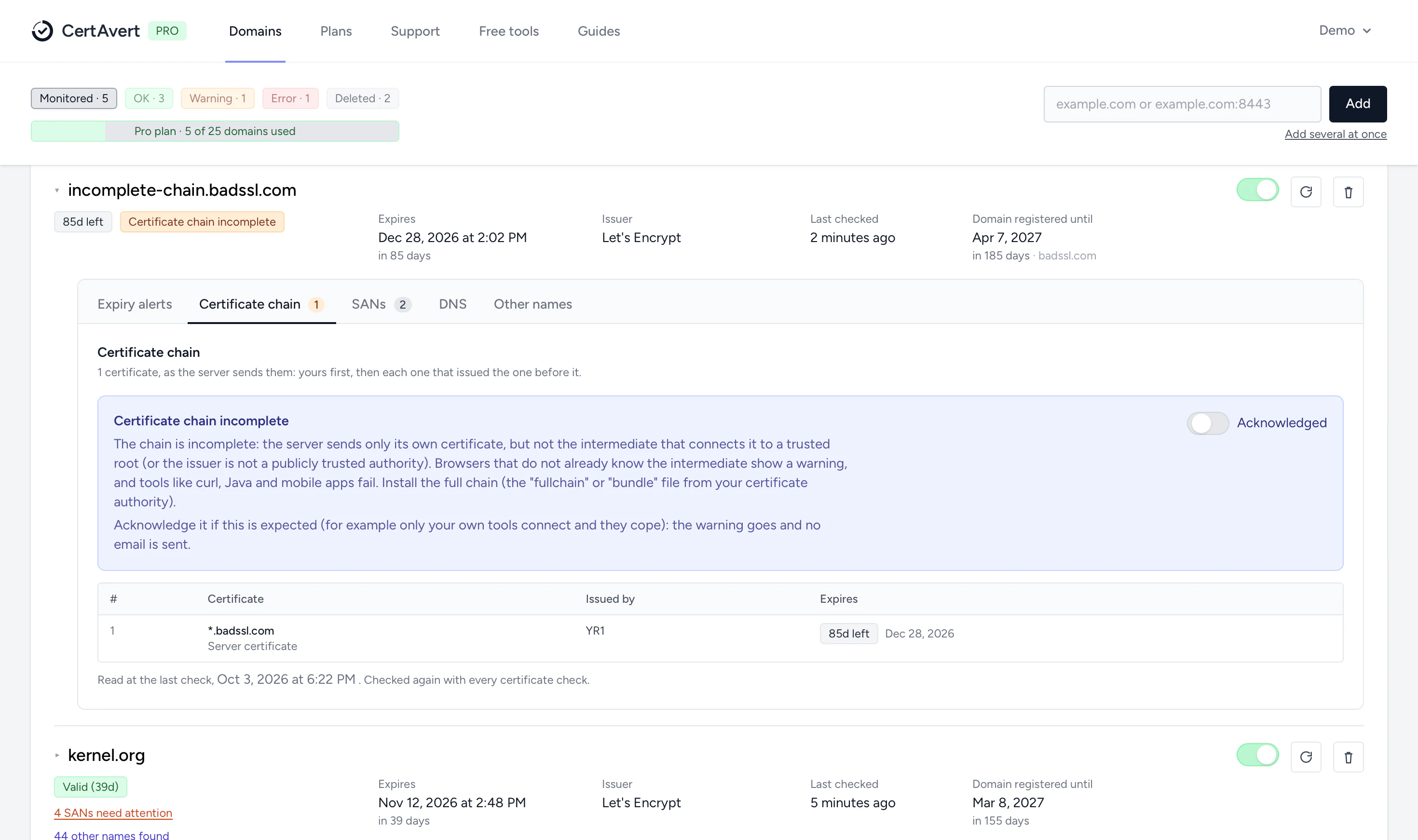
A server has to send the intermediate certificates along with its own. When one is missing, in the wrong order or expired, you see what is wrong, the order to send and how to fix it. Expected? Acknowledge it and the warning goes.
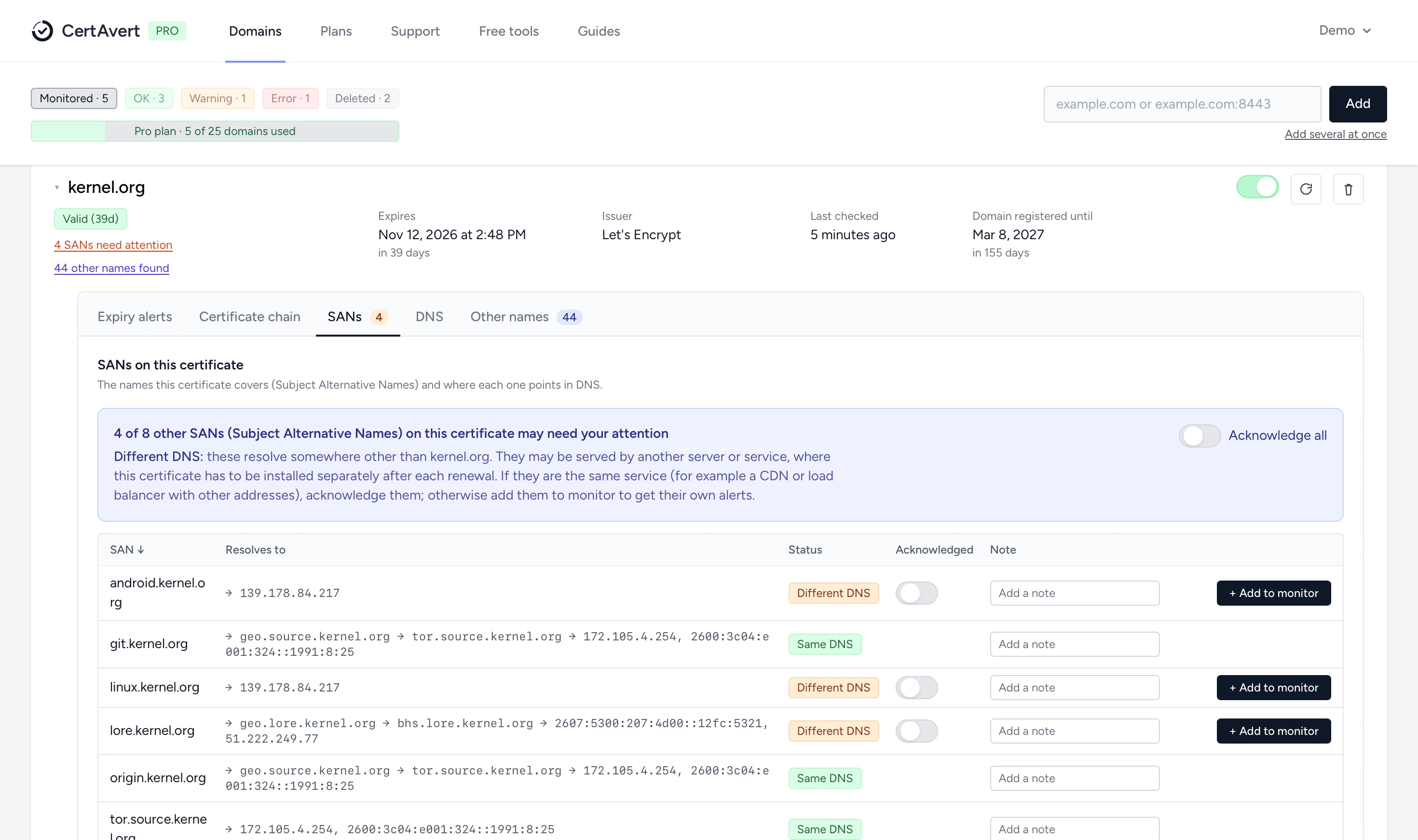
One certificate often covers www, api, shop and more. We check where each name points. When one is served from somewhere else, renewing the certificate here does not renew it there, so it is flagged. Acknowledge it (a CDN, a load balancer) or add it to monitor.
The public certificate logs show every name that has had a certificate under your domain. Old test sites, a forgotten shop: monitor them in one click, or acknowledge the ones you don't need.
How the domain resolves and which address the certificate was read from, who hosts its DNS, whether DNSSEC is on, which authorities may issue its certificates (CAA), and when the domain name is due for renewal.
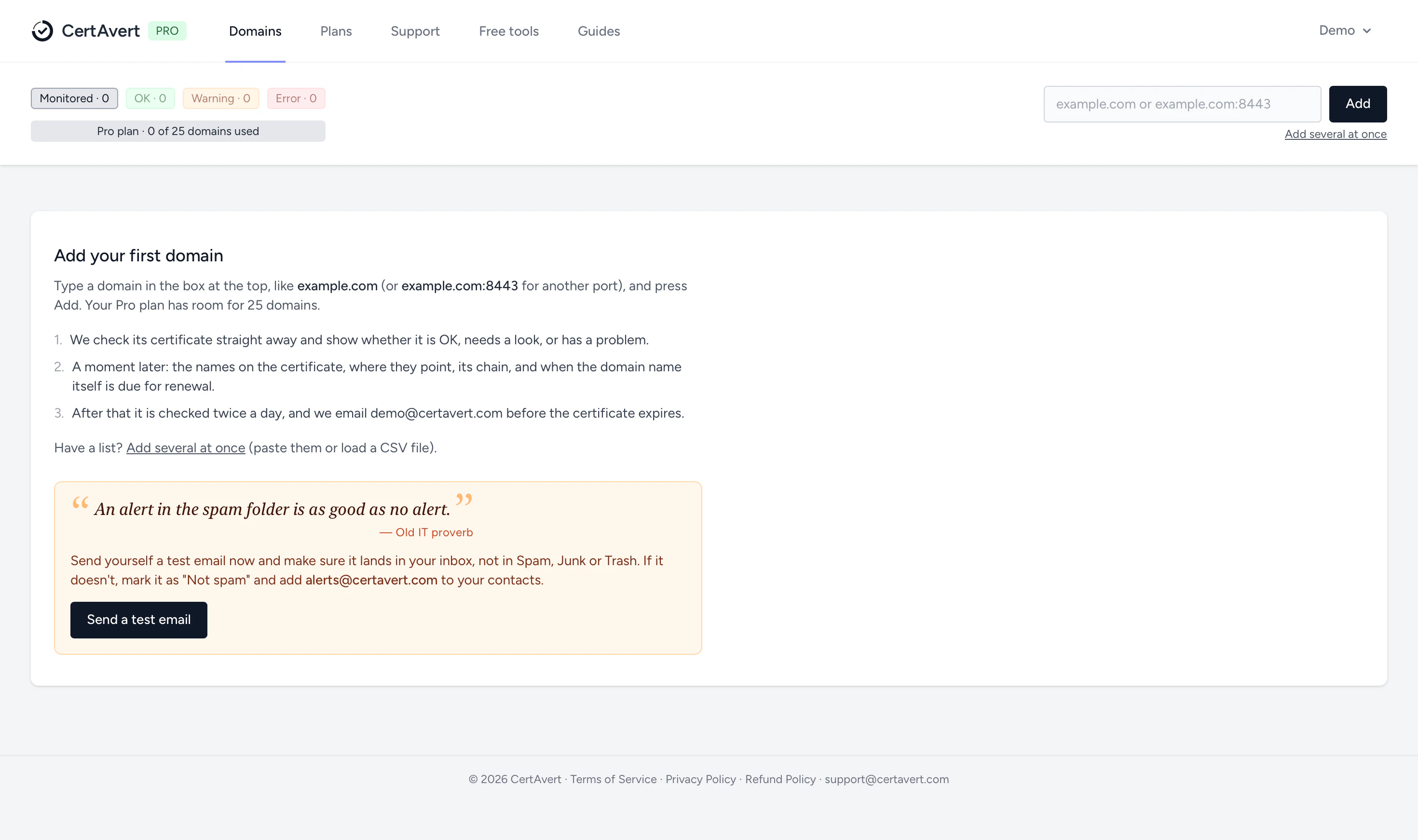
Type a domain and press Add. It is checked at once, the details follow a moment later, and then it is checked twice a day. Send yourself a test email first, so the alerts land in your inbox and not in spam.